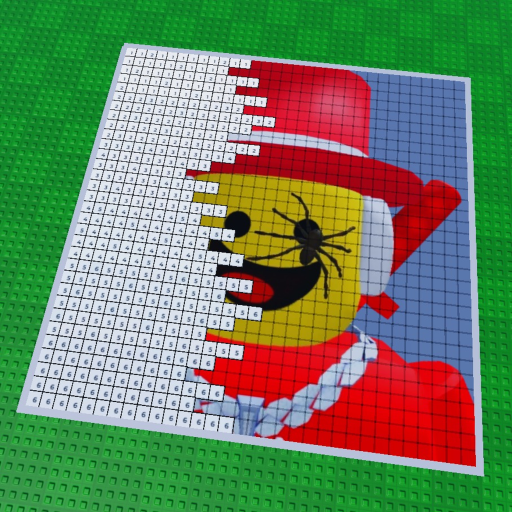
Turn a canvas into a calm little plan.
Enter the numbers you can see or estimate yourself. The planner returns completion, remaining blocks, and a simple check against the public seven-player server size.
Within the public seven-player maximum. This tool only uses the numbers you enter; it does not read your Roblox account or assume a hidden canvas size.
No account access. No external calls. No invented currency, rarity, timer, or canvas-size formula.
Three inputs, one useful checkpoint.
Choose a canvas estimate
Use the number of blocks you want to track. If the game displays a different count, use that visible number.
Mark what is painted
Update the completed count when you pause, switch colors, or hand the canvas to another player.
Plan the shared space
Use the player field to avoid planning a group larger than the public seven-player maximum.
What this tool does not know.
The official public description confirms a coloring-by-number loop, real-time painting beside other players, and automatic saving. It does not publish a universal canvas size, per-player work rate, save interval, or reward formula. This page stays honest about that boundary.
Need the actual game?
Open the official Roblox game page ↗, then return here when you want another checkpoint.
Keep your plan connected.
Planner questions
What does the Paint Completion Planner calculate?
It calculates completion percentage and remaining blocks from numbers you enter. It does not claim to know a hidden canvas size or predict Roblox server behavior.
Can I plan a shared session?
Yes. Enter the number of players you expect, and the planner checks it against the public seven-player maximum.
Does the planner connect to my Roblox account?
No. It is an input-only browser tool with no login, account access, or game data import.
How should I use the result?
Use it as a simple checkpoint for a painting session: decide how much canvas remains, then return to the game and paint at your own pace.